


See what your users actually do — right where the numbers stop
Analytics tells you how many and where users drop off; Session Replay shows you why. Every session replays like a video — mouse movement, clicks, scrolling and errors, exactly as they happened — and because it lives inside Shahin Analytics, you jump from any chart or funnel straight to the sessions behind it in one click.
Automatic friction detection
Rage clicks, dead clicks and JavaScript errors are tracked for you, so bugs and confusing sections surface immediately.
Advanced session segmentation
Filter and group replays quickly by device type, entry page, location and how long the user stayed.
Privacy protected by default
Sensitive fields, passwords and identifying data are masked automatically — on the page itself, before anything is sent to Shahin’s servers.
Fast session troubleshooting, without wasting time
No need to manually scrub through thousands of recordings. Shahin automatically tags friction signals and user errors, so one simple filter takes you straight to the troubled sessions.
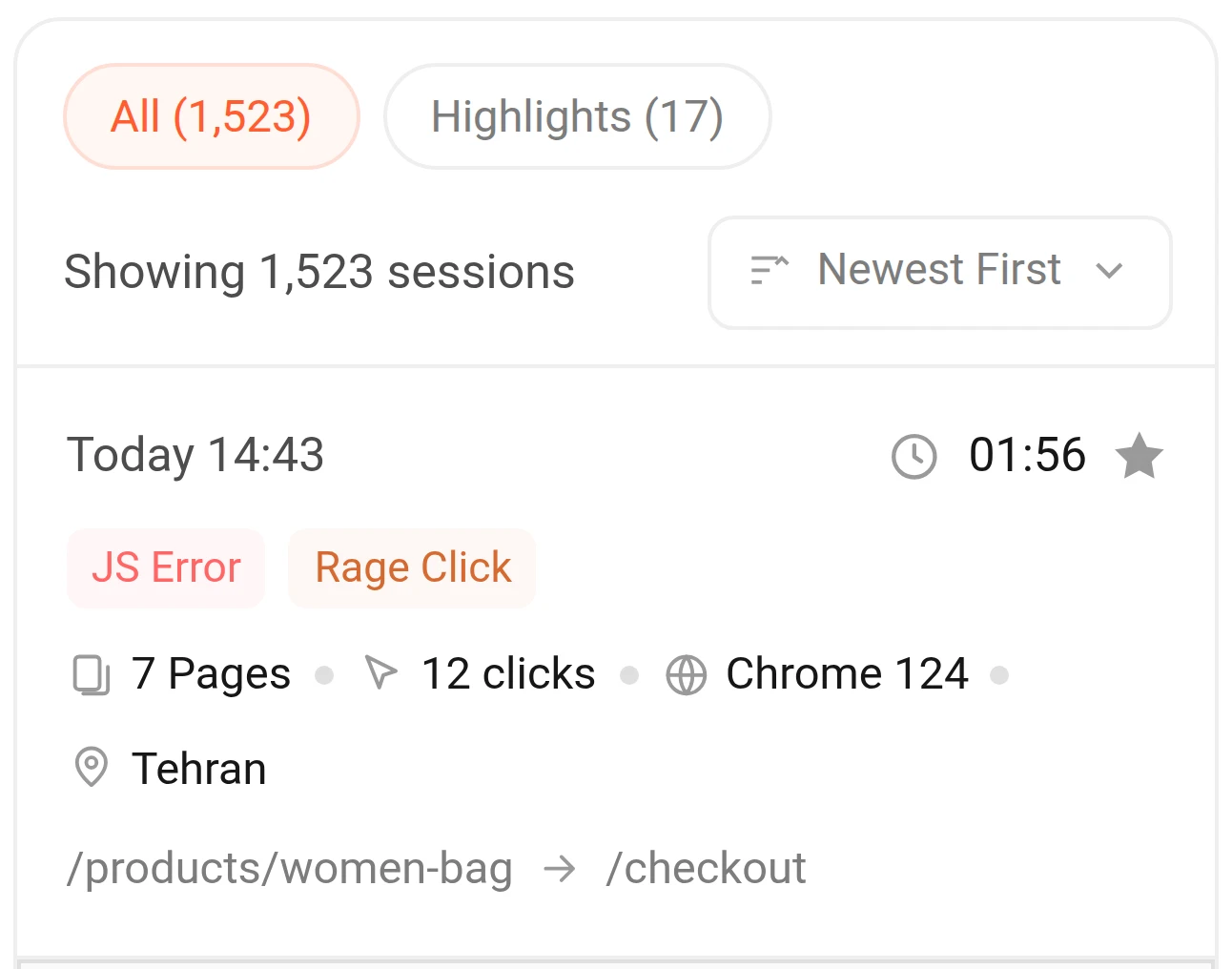
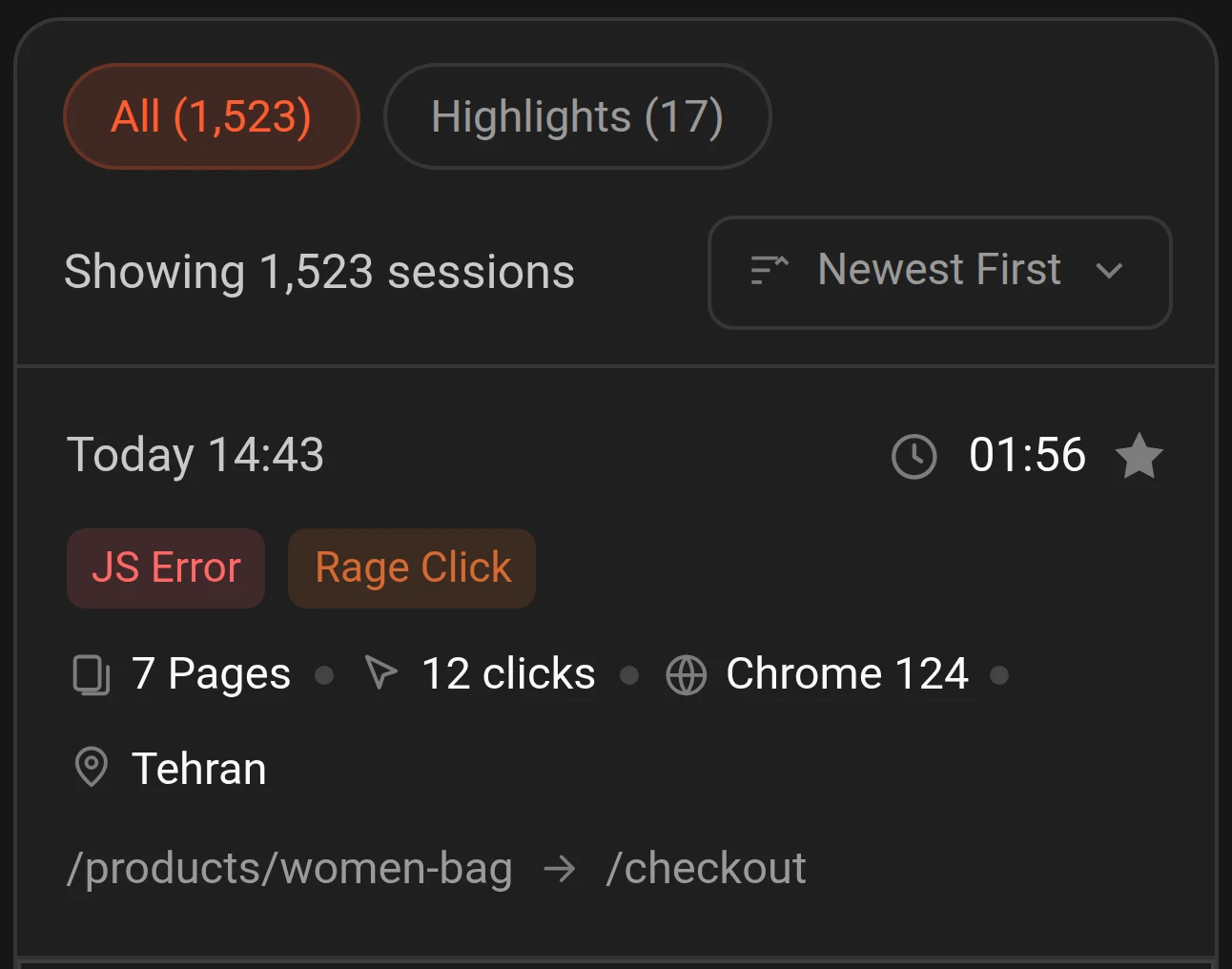
- Rage Click, Dead Click, Excessive Scroll, Quick Back and Error Click: catch user frustration from unresponsive or confusing elements, excessive scrolling and quick bounce-backs.
- JavaScript and interaction errors: isolate the sessions stuck at a technical dead-end.
- Quick-back and slow-experience signals from Web Vitals: every performance disruption is tagged automatically and ready to filter.
- Guaranteed recording of critical sessions: high-friction sessions are captured in full, even beyond your monthly volume limit.
Watch the user's experience exactly as it happened
Sessions replay in full detail; every click, scroll, mouse movement and error is marked with a time-stamped indicator on the playback bar, so you reach the key events directly without wasting time.
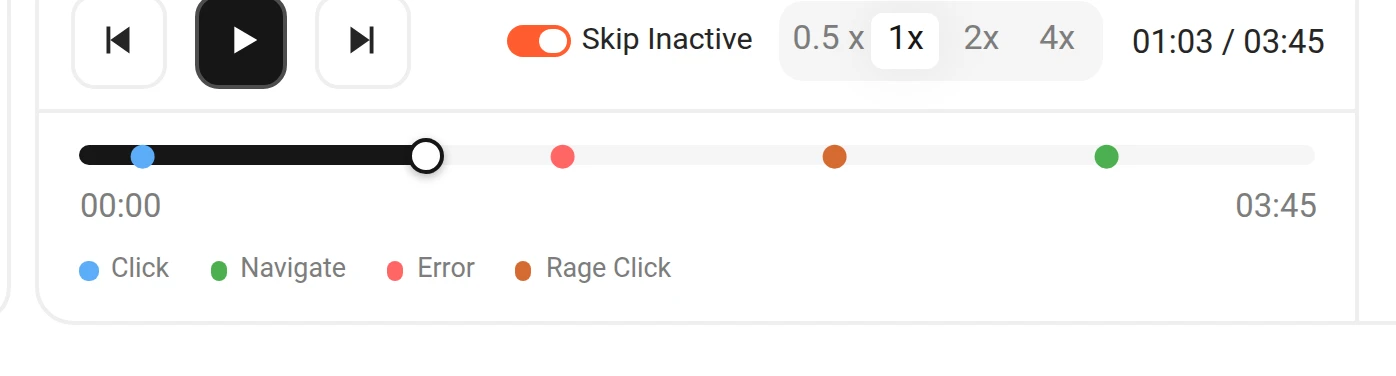
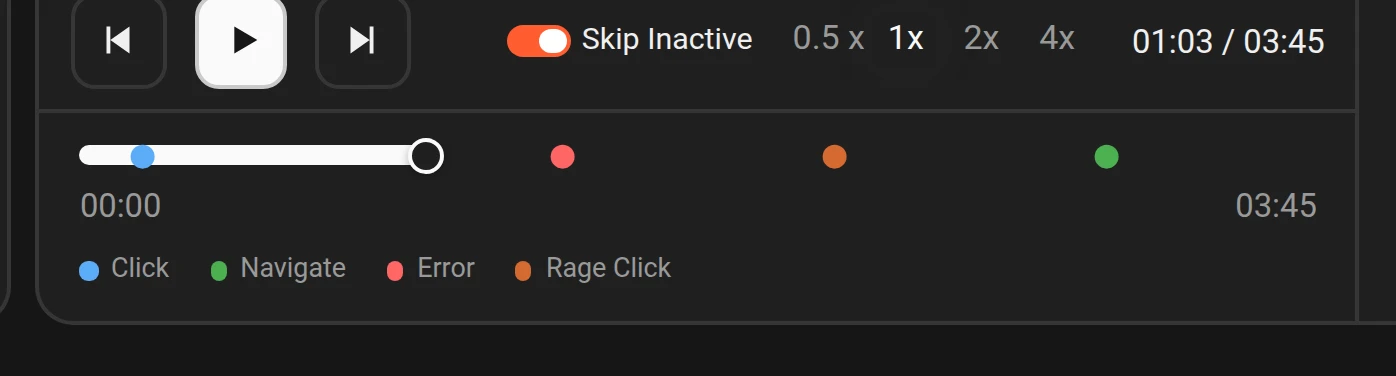
- Event markers on the timeline: jump instantly with one click to the moment an error, a rage click or a page change happened.
- Automatic skip of idle moments: smart pass over the user's inactive stretches so you focus straight on meaningful interactions.
- Playback speed control and smooth navigation: switch speed from 0.5× to 2× along with fast scrubbing on the timeline.
See the full picture and context alongside every session
In sync with the video, every piece of metadata and technical detail about the session appears in one panel — from the session ID and duration to device, browser and location details, plus the step-by-step events exactly as they happened.
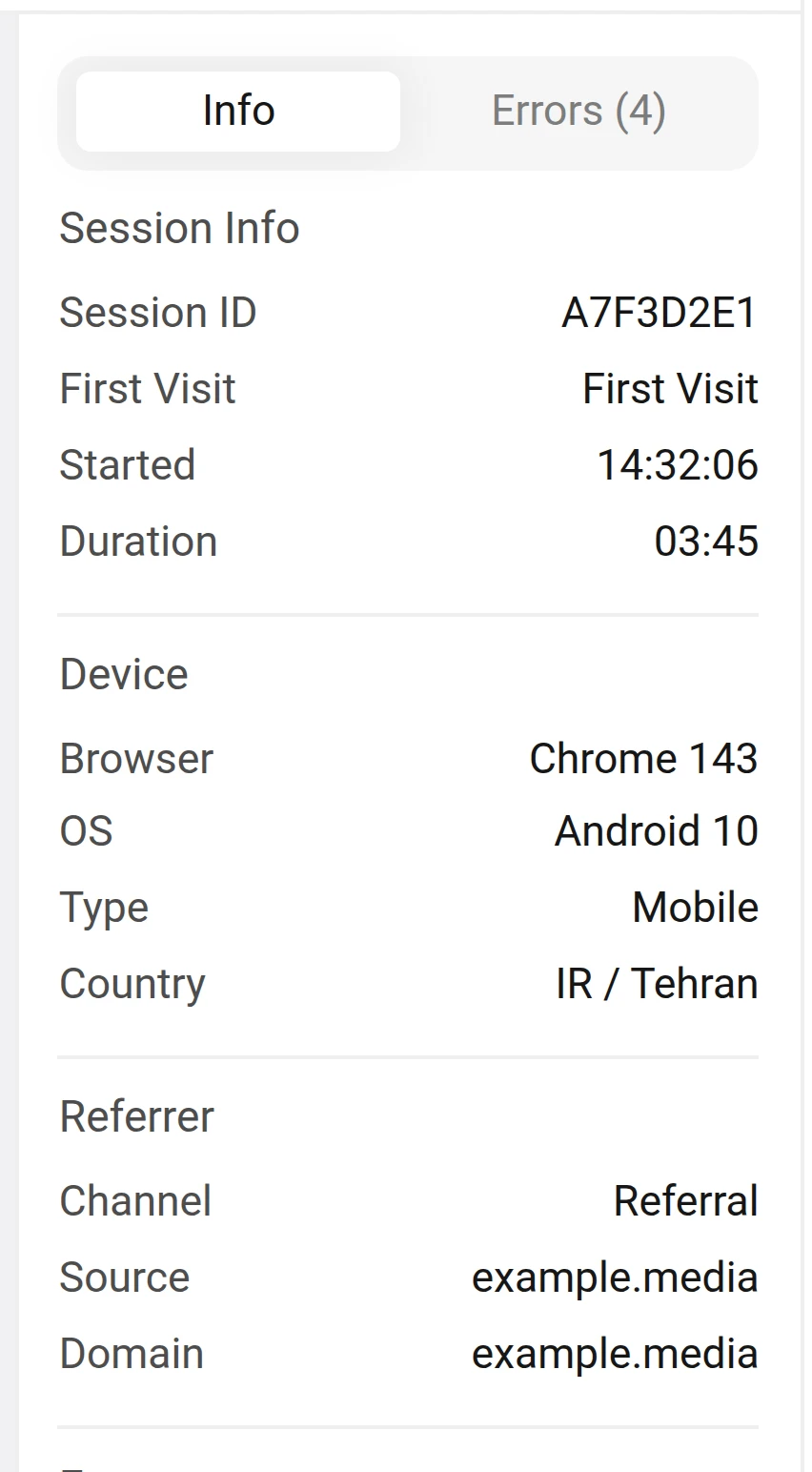
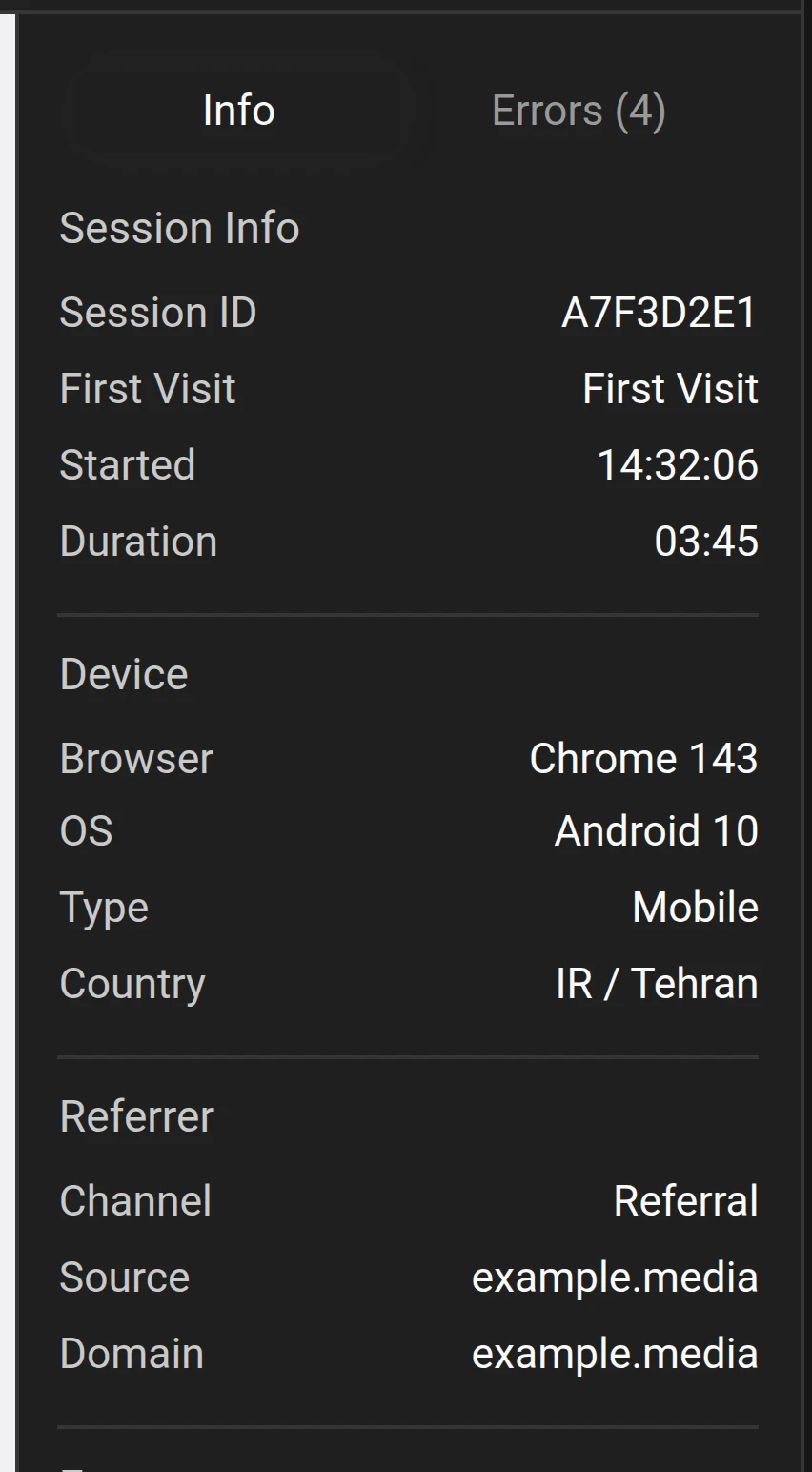
- Session & device technical info: session ID, first visit and start time, duration, device type, OS, browser and country — all at a glance.
- Referrer: see the channel, source and referring domain of every session to know exactly where the user came from.
- Interactive Event Timeline: the event list, page navigations and clicks move in sync with the video's playback bar.
- Info/Errors tabs and a JavaScript error log: the exact error text and title, pinned to the very second it happened for the user.
One replay, answers for every team
Every role uses Session Replay for its own goals and key questions.
Product manager
Watches abandoned sessions in the conversion funnel to precisely understand why users stop, and spot bottlenecks in the purchase or sign-up path.
UX designer
Measures new designs against real audience behavior, to uncover confusion, dead clicks and rage clicks.
Engineering
Reproduces bugs and JavaScript errors instantly, watching step by step the exact conditions where the user ran into trouble.
Marketing
Reviews how visitors from campaigns and ads engage, to fine-tune landing pages and lift conversion rate.